
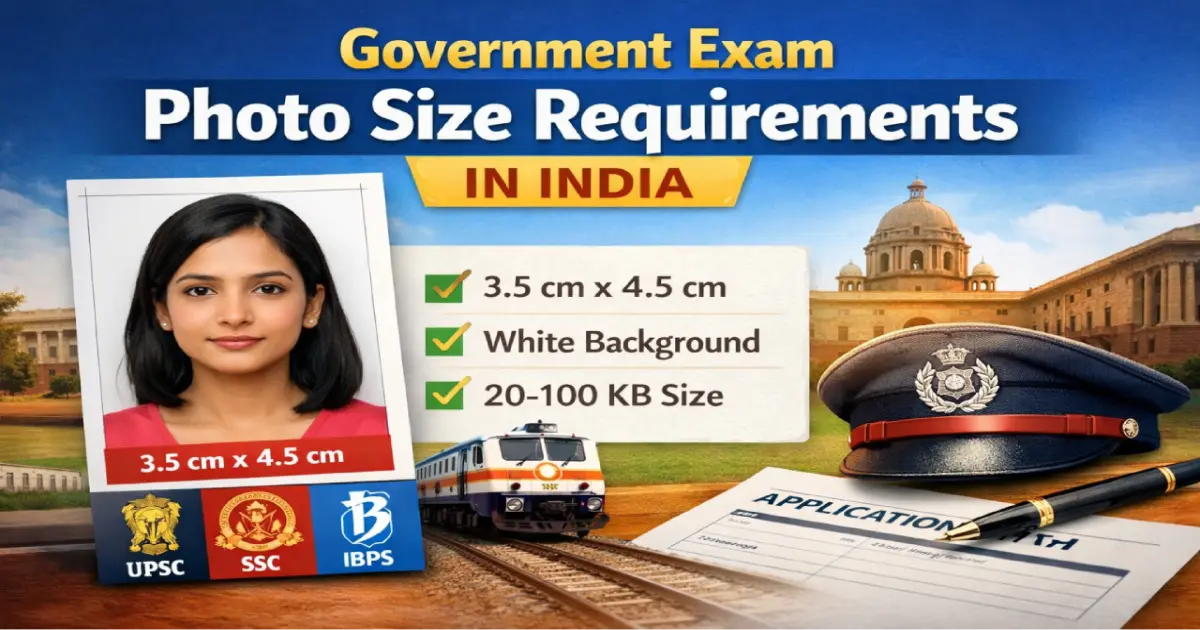
Government Exam Photo Size Requirements India 2026 – UPSC, SSC, IBPS, Railway & More
Photo upload errors are one of the most common — and most avoidable — reasons government exam applications are rejected in India. Every year, hundreds of thousands of candidates lose their application fee because their photo is the wrong pixel size, too large in KB, or fails the portal's automated validator before a human even sees it.
This guide gives you the exact pixel dimensions, file sizes, and format requirements for every major exam — verified against the latest 2026 official notifications.
Quick Reference — Government Exam Photo Size 2026
| Exam | Photo Dimensions | Photo File Size | Signature Dimensions | Signature File Size | Format |
|---|---|---|---|---|---|
| UPSC Civil Services | 413×531 px | 20–300 KB | 350–500 px (square) | 20–100 KB | JPG only |
| SSC CGL / CHSL | 275×354 px | 20–50 KB | 236×79 px | 10–20 KB | JPG only |
| SSC GD Constable | 275×354 px | 20–50 KB | 236×79 px | 10–20 KB | JPG only |
| IBPS PO / Clerk / RRB | 200×230 px | 20–50 KB | 140×60 px | 10–20 KB | JPG only |
| SBI PO / Clerk | 200×230 px | 20–50 KB | 140×60 px | 10–20 KB | JPG only |
| Indian Railways (RRB) | 413×531 px | 15–100 KB | 413×531 px | 15–100 KB | JPG only |
| NEET UG | 480×640 px | 10–200 KB | 460×140 px | 4–30 KB | JPG only |
| Police Recruitment | 413×531 px | 15–40 KB | 413×531 px | 15–40 KB | JPG only |
| State PSC exams | Varies by state | Typically 20–50 KB | Varies by state | Typically 10–20 KB | JPG only |
Important: Always verify against the official exam notification before uploading — requirements can change between cycles. The figures above are based on the most recent available notifications as of March 2026.
UPSC Civil Services 2026 — Photo & Signature Requirements
UPSC introduced two major changes for 2026 that catch many candidates off guard:
-
Mandatory live photo capture — during the application, you must allow camera access on your device and capture a live photo. This live image is compared with your uploaded passport photo using facial recognition. A mismatch causes immediate rejection. Both images must show you in the same appearance.
-
Triple signature requirement — you must sign your name three times vertically (one below the other) on a plain white sheet with a black ink pen, scan all three together as a single image, and upload that single file.
UPSC Photo Specifications 2026
-
Pixel dimensions: 413×531 pixels (width × height)
-
File size: 20 KB to 300 KB
-
Format: JPG / JPEG only — PNG, PDF not accepted
-
Background: plain white, no shadows or patterns
-
Face coverage: 70–80% of the photo area, full frontal view
-
Both ears must be visible
-
Neutral expression, mouth closed, eyes fully open
-
No glasses, cap, uniform, or headwear (except religious)
-
Photo must be recent — taken within 10 days of starting the application
UPSC Signature Specifications 2026
-
Three signatures stacked vertically in one image
-
Black ink pen on plain white paper only
-
Dimensions: 350×350 to 500×500 pixels
-
File size: 20 KB to 100 KB
-
Format: JPG only
-
Cursive handwriting — CAPITAL LETTERS not accepted
Use the Image Resizer to get your photo to exactly 413×531 pixels and the Image Compressor to bring it within the 20–300 KB range.
SSC CGL / CHSL / GD Constable 2026 — Photo & Signature Requirements
SSC has also moved to live photo capture in 2026 — there is no static photo upload on the new SSC One Registration Portal for the photo itself. However, the signature is still uploaded as a scanned file.
SSC Photo Specifications 2026
-
Pixel dimensions: 275×354 pixels
-
File size: 20 KB to 50 KB
-
Format: JPG only
-
Background: plain white or very light grey
-
Photo must not be older than 3 months from the date of exam notification
-
No glasses, cap, or spectacles
-
Both ears visible, face centred
-
SSC GD Constable: white background only (light grey is not accepted)
SSC Signature Specifications 2026
-
Dimensions: 236×79 pixels (4.0 cm × 2.0 cm)
-
File size: 10 KB to 20 KB
-
Black ink pen on plain white paper
-
Cursive only — CAPITAL LETTERS not accepted
-
Format: JPG only
IBPS PO / Clerk / RRB 2026 — Photo, Signature & Thumb Impression
IBPS is unique among major recruiters — in addition to the photo and signature, candidates must upload a left thumb impression and a handwritten declaration. Missing any of these will cause form rejection.
IBPS Photo Specifications 2026
-
Pixel dimensions: 200×230 pixels (preferred)
-
Physical size: 3.5 cm × 4.5 cm
-
File size: 20 KB to 50 KB
-
Format: JPG / JPEG only
-
Background: plain white or light
-
Recent, clearly visible, passport-style
IBPS Signature, Thumb & Declaration Specifications 2026
-
Signature: 140×60 pixels, 10–20 KB, black ink on white paper, no CAPITAL LETTERS
-
Left thumb impression: 240×240 pixels, 20–50 KB, black or blue ink on white paper
-
Handwritten declaration: 800×400 pixels, 50–100 KB — written in English in running hand (not capitals), black ink on white paper
Note on IBPS declaration text: The declaration reads — "I, _______ (Name), hereby declare that all the information submitted by me in the application form is correct, true and valid. I will present the supporting documents as and when required." Do not type this — it must be handwritten.
Indian Railways RRB 2026 — Photo & Signature Requirements
-
Photo dimensions: 413×531 pixels
-
File size: 15 KB to 100 KB
-
Format: JPG only
-
Background: plain white
-
Photo must include your name and date printed at the bottom (in black text on white area below the face)
-
Photo must not be older than 3 months from the notification date
-
Signature dimensions: 413×531 pixels, 15–100 KB
RRB-specific requirement: The name-and-date printed below the photo is unique to Railway exams. Most other exams do not require this. If you forget it, your photo will be rejected at the document verification stage.
NEET UG 2026 — Photo & Signature Requirements
-
Photo dimensions: 480×640 pixels
-
File size: 10 KB to 200 KB
-
Format: JPG only
-
Background: plain white or off-white
-
Neutral expression, no glasses, no headwear
-
Signature dimensions: 460×140 pixels, 4–30 KB
Police Recruitment 2026 — Photo Requirements
-
Photo dimensions: 413×531 pixels
-
File size: 15 KB to 40 KB — tighter than most exams
-
Format: JPG only
-
Background: plain white only
-
Exact specifications vary by state — always check your specific state recruitment board's notification
Universal Rules That Apply to All Government Exam Photos
Regardless of which exam you are applying for, these rules apply universally:
-
Format: JPG / JPEG only. PNG, WebP, HEIC and PDF are rejected by all government portals. iPhone users must convert from HEIC to JPEG before uploading.
-
Background: Plain white or very light. No patterns, textures, gradients, outdoor backgrounds, or digitally blurred backgrounds.
-
Face position: Full frontal, both ears visible, face centred, head level, no tilt.
-
Expression: Neutral, mouth closed, both eyes fully open.
-
No glasses: Banned in all major exams — prescription glasses, reading glasses, and tinted lenses are all rejected.
-
No headwear: Caps, hats, and turbans not allowed. Religious head coverings are permitted only if the full face is visible with no shadows.
-
No editing or filters: Beauty mode, AI enhancement, and skin-smoothing filters cause biometric verification failure. Disable before shooting.
-
Recency: Most exams require the photo to be not older than 3 months from the date of exam notification.
Common Mistakes That Cause Photo Rejection
-
File too large — the most common error. A phone photo is 3–5 MB. Every portal has a hard KB ceiling. Always compress before uploading.
-
Wrong pixel dimensions — portals check this server-side. Even 1 pixel off can trigger an error on some systems.
-
HEIC format (iPhone users) — iPhone saves photos in HEIC by default. All government portals only accept JPEG. Convert before uploading.
-
Shared via WhatsApp — WhatsApp compresses photos heavily, often reducing a 3 MB photo to under 100 KB with visible artefacts. Always use the original file.
-
Screenshot instead of original file — screenshots are compressed and have reduced DPI. Use the original camera file.
-
Live photo mismatch (UPSC/SSC) — if your appearance in the uploaded photo differs from the live capture (different clothing, glasses, hairstyle), the application is rejected.
-
Missing name/date on Railway photos — required for RRB exams, absent from all others. Know which requirement applies to your exam.
-
Signature in CAPITAL LETTERS — rejected by IBPS, SSC, and most other portals. Always use cursive.
How to Fix Your Photo in Two Steps
Once you have a clean, well-lit photo on a plain white background:
-
Resize to the correct pixels — use the Image Resizer. Enter the exact width and height from the table above for your exam. Download the resized JPEG file.
-
Compress to the correct KB — use the Image Compressor. Set quality to 70–80% and select JPG output. Check the resulting file size against the range in the table above. If still too large, reduce quality to 60%.
Always resize before compressing — compressing first and then resizing can reintroduce quality loss.
Frequently Asked Questions
What is the photo size for UPSC 2026?
413×531 pixels, JPG format, 20–300 KB, plain white background, face covering 70–80% of the frame. UPSC 2026 also requires a live photo capture during the application — the live image is matched with the uploaded photo using facial recognition.
What is the photo size for SSC CGL 2026?
275×354 pixels, JPG format, 20–50 KB. The signature must be 236×79 pixels, 10–20 KB. SSC has introduced live photo capture in 2026 — you may be asked to capture your photo via webcam during the application process.
What is the photo size for IBPS PO and Clerk 2026?
200×230 pixels, JPG format, 20–50 KB. IBPS also requires a left thumb impression (240×240 px, 20–50 KB) and a handwritten declaration (800×400 px, 50–100 KB) — both must be uploaded during the same session.
Can I use the same photo for all government exams?
No — different exams require different pixel dimensions. A photo resized for UPSC (413×531 px) will not meet IBPS requirements (200×230 px) and will be rejected. Resize separately for each exam using the correct dimensions from the table above.
How do I compress a photo to under 50KB for SSC?
Open the Image Compressor, upload your resized photo (275×354 px), set quality to 70%, select JPG output. A correctly sized photo at 70% quality typically comes out around 25–35 KB — well within the 50 KB SSC limit.
My phone saves photos as HEIC. What should I do?
Go to your iPhone Settings → Camera → Formats → select "Most Compatible". This makes the camera save directly as JPEG. Alternatively, use the Image Resizer which accepts HEIC and outputs JPEG automatically.
What is the difference between photo file size in KB and pixel dimensions?
Pixel dimensions (e.g. 413×531 px) determine the physical size of the image on screen — how many pixels wide and tall it is. File size in KB determines how much storage the file takes — this depends on the image content and compression. Both are checked separately by government portals. You need to meet both requirements simultaneously.
Prepare Your Exam Photo Now
Use these two free tools to resize and compress your photo to the exact specifications for any government exam — no software required, works on mobile and desktop:
-
Image Resizer — set exact pixel dimensions for your exam
-
Image Compressor — compress to the required KB range
Both are free, process images in your browser, and never store your photos on any server.
Create your exam photo in under 60 seconds
Correct size · White background · Right file size · Free
Generate Exam Photo Free →